Why User Retention Depends on Proactive Crash Reporting
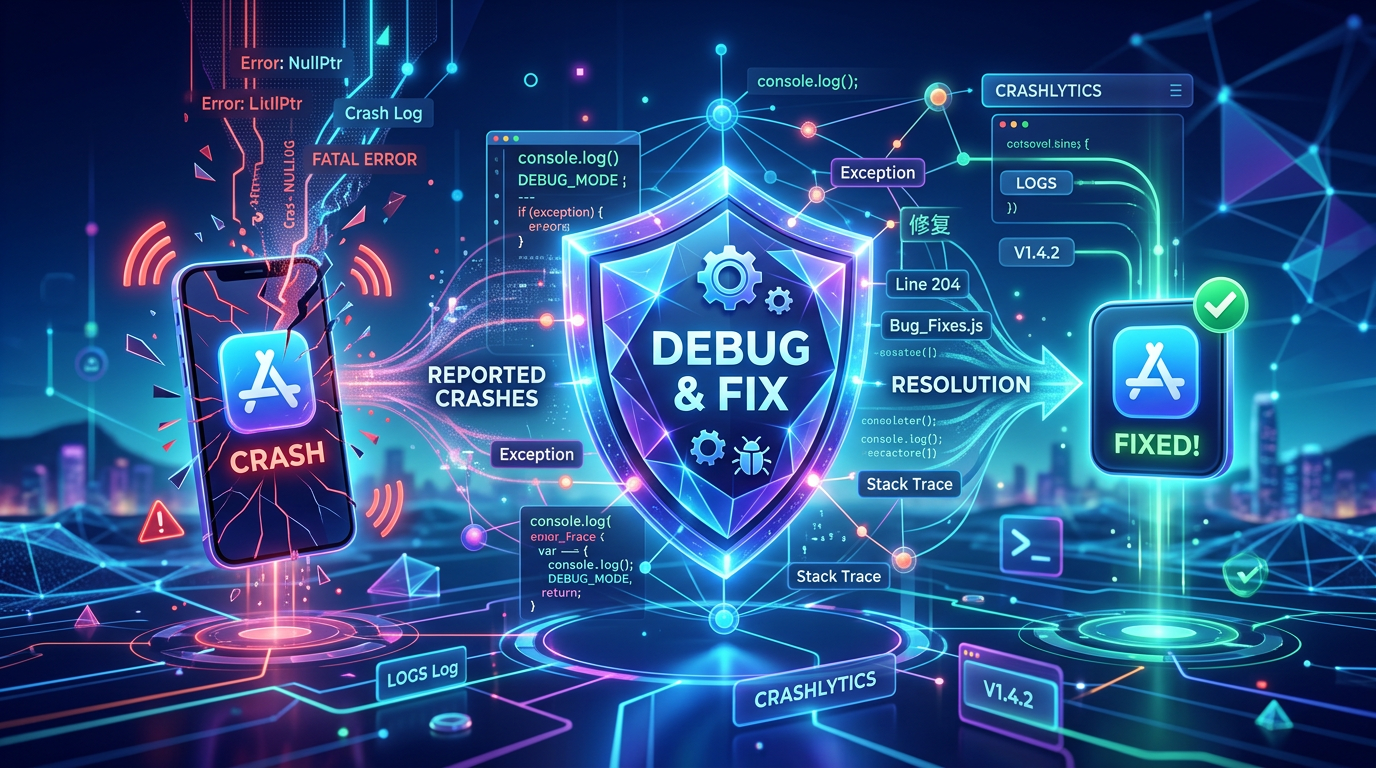
Quick Summary
Learn how proactive crash reporting can save your app's reputation, improve user retention, and streamline your debugging process.
Imagine this scenario: a user downloads your app, excited to try out its features. They open it, navigate to the main screen, and suddenly—the app closes unexpectedly. They try again, and the same thing happens. Within minutes, your app is uninstalled, and a one-star review is left on the App Store.
This is the harsh reality of mobile app development. Crashes are the ultimate conversion killers, and how you handle them directly impacts your user retention and overall success.
The Hidden Cost of App Crashes
The immediate impact of a crash is obvious: a frustrated user. However, the long-term consequences are far more damaging. High crash rates lead to:
- Decreased App Store Rankings: Both Apple and Google factor app stability into their search algorithms. A buggy app will be buried under more stable competitors.
- Increased Customer Acquisition Costs (CAC): If you are spending money on marketing to acquire users, crashes mean you are essentially throwing that money away. Retaining an existing user is always cheaper than acquiring a new one.
- Brand Damage: In the age of social media, negative experiences are amplified. A reputation for instability can take years to repair.
The Shift from Reactive to Proactive
Historically, developers relied on users to report bugs via email or support tickets. This reactive approach is deeply flawed. Only a tiny fraction of users will actually take the time to report a crash; the vast majority will simply leave silently.
Proactive crash reporting flips this dynamic. With tools like AppMonitor, you don’t have to wait for user complaints. The moment a crash occurs, detailed diagnostic data is automatically captured and sent to your dashboard.
What Makes a Great Crash Report?
Not all crash reporting tools are created equal. To effectively debug and resolve issues, your crash reports need to provide actionable context:
1. Accurate Stack Traces
The foundation of any crash report is the stack trace, which pinpoints the exact line of code where the failure occurred. For obfuscated or minified code, automatic de-obfuscation (using dSYM or ProGuard mapping files) is essential.
2. Device and Environment Data
A crash might only happen on specific devices, OS versions, or under certain conditions (e.g., low battery, poor network connectivity). Knowing the exact environment helps you reproduce the issue locally.
3. Breadcrumbs and User Steps
Understanding what the user was doing right before the crash is invaluable. Breadcrumbs track the sequence of events—such as button taps, screen navigations, and network requests—leading up to the fatal error.
Prioritizing Fixes with Impact Analysis
When you have thousands of users, you might see dozens of different crashes. How do you know which ones to fix first?
Intelligent crash reporting platforms analyze the impact of each issue. They group identical crashes together and show you exactly how many unique users are affected. This allows your engineering team to prioritize the critical bugs that impact the largest segment of your audience, rather than wasting time on obscure edge cases.
By embracing proactive crash reporting, you transform a negative user experience into an opportunity for rapid improvement. You demonstrate to your users that you care about their experience, ultimately building trust and driving long-term retention.